How to create ER diagram in MermaidJS
1. Install MermaidJS
You can install MermaidJS by including the MermaidJS library in your project or by installing it via npm.
2. Define the diagram
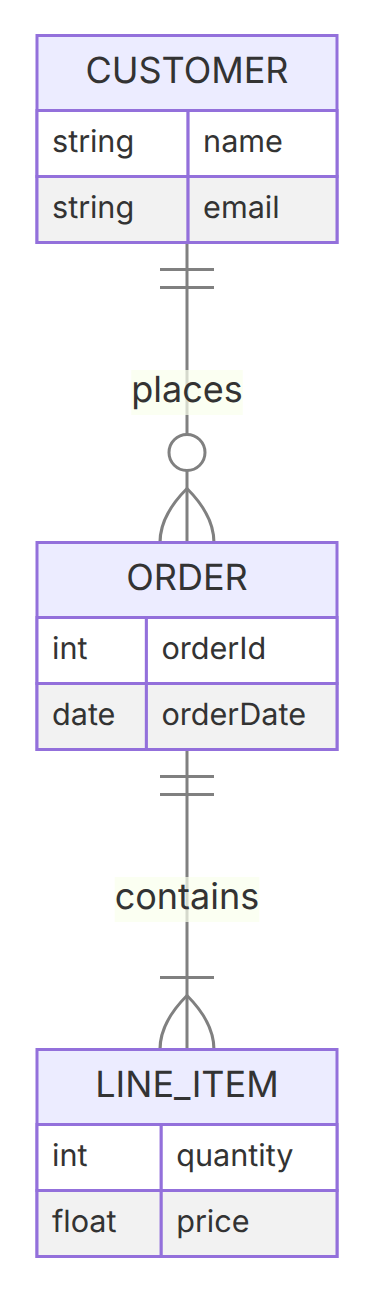
To create an ER diagram, start the definition with erDiagram. Connect entities with a relationship line using crow's-foot cardinality markers on each side, then optionally list each entity's attributes inside curly braces.
In this example, one CUSTOMER places zero or more ORDERs, and each ORDER contains one or more LINE_ITEMs.
3. Cardinality notation
The crow's-foot symbols on each end of a relationship line describe how many rows on that side can participate in the relationship:
| Cardinality | Syntax | Meaning | Preview |
|---|---|---|---|
| Exactly one | A ||--|| B | Exactly one row on this side (double bar) | 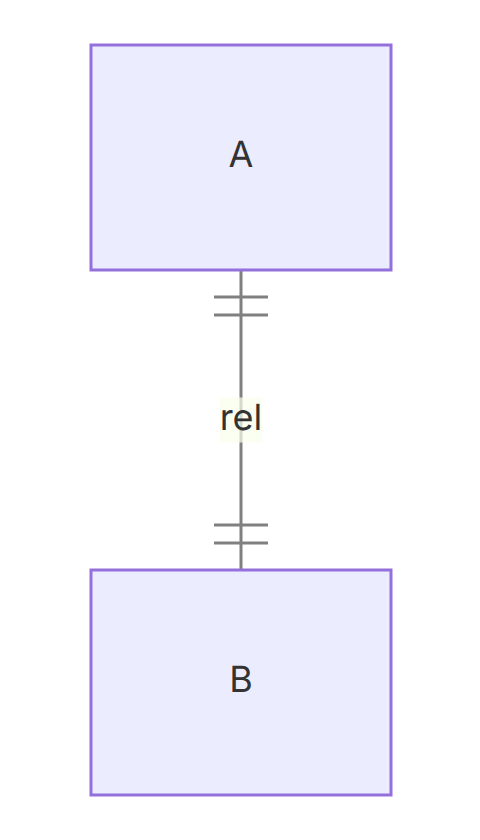 |
| Zero or one | A |o--o| B | Zero or one row on this side (bar + circle) | 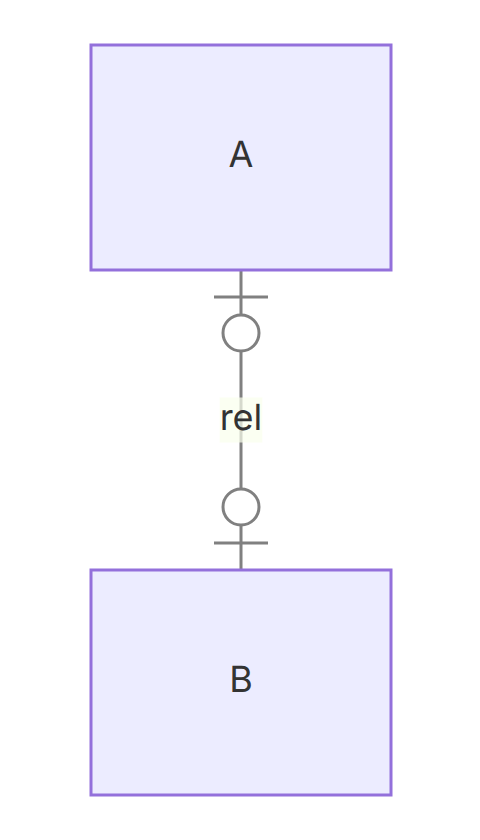 |
| Zero or more | A }o--o{ B | Zero, one, or many rows on this side (crow's foot + circle) | 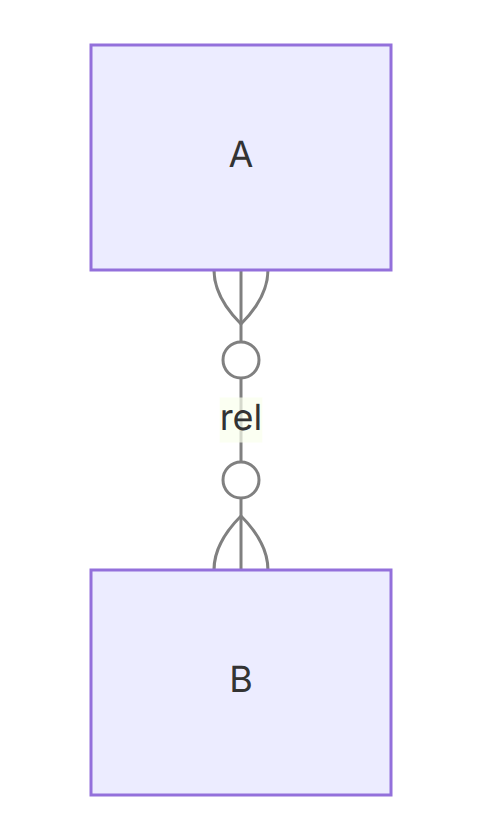 |
| One or more | A }|--|{ B | At least one, possibly many rows on this side (crow's foot + bar) | 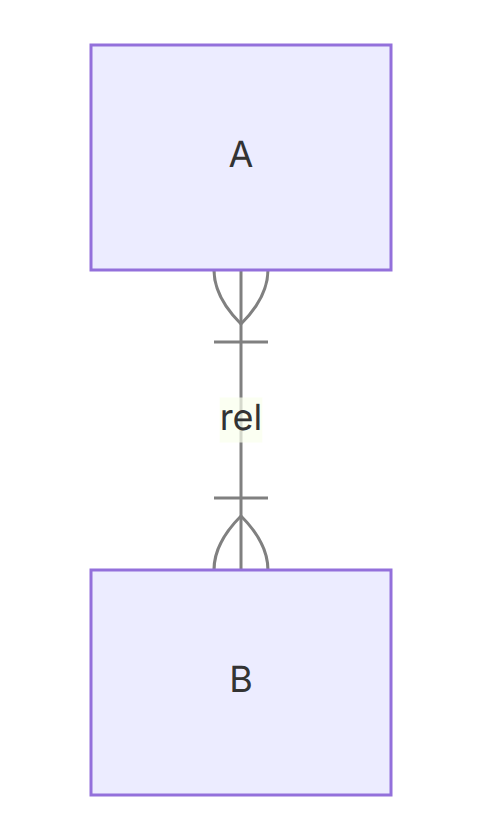 |
4. Attributes and relationship labels
List each entity's attributes as type name pairs inside curly braces, as shown for CUSTOMER, ORDER, and LINE_ITEM above. Add an optional : label after a relationship (e.g. places, contains) to describe what the relationship represents.
5. Render the diagram
Once you have defined the diagram, you can render it on your webpage by including the MermaidJS library and calling the mermaid function with the diagram definition as a string. Here is an example of how to do this
You can use this MermaidJS Playground Link to explore that particular example.